
Kubb Quick Start Guide
Generate type-safe TypeScript code from OpenAPI specifications in under 2 minutes. This guide shows you how to set up Kubb and generate your first API client code.
What You'll Build
By the end of this quick start, you'll have:
- A configured Kubb project
- Auto-generated TypeScript types from your OpenAPI spec
- Type-safe API client functions
- Optional: React Query hooks, Zod schemas, or MSW mocks
Prerequisites
Before starting, ensure you have:
- Node.js: Version 20 or higher (Download)
- TypeScript: Version 4.7 or higher (if using TypeScript)
- OpenAPI Specification: A valid OpenAPI 2.0, 3.0, or 3.1 file (YAML or JSON)
NOTE
Node.js 20 is required. Earlier versions are not supported. Check your version with node --version.
Quick Setup (Recommended)
The fastest way to get started is using Kubb's interactive setup command:
npx kubb initThis interactive wizard will:
- Detect or create a
package.jsonfile - Ask for your OpenAPI specification file path (e.g.,
./openapi.yaml) - Prompt for the output directory (where generated code will be saved)
- Let you select plugins to install (TypeScript, React Query, Zod, etc.)
- Automatically install all required npm packages
- Generate a
kubb.config.tsconfiguration file
Generate your code:
Once the setup completes, generate your code:
npx kubb generateThat's it! Your generated code is now in the output directory, ready to import and use.
TIP
The kubb init command is the recommended way to start a new Kubb project. It handles all setup automatically and prevents common configuration mistakes.
Manual Setup
If you prefer manual control over configuration:
Step 1: Install Packages
Install Kubb's core packages as development dependencies:
bun add -d @kubb/cli @kubb/corepnpm add -D @kubb/cli @kubb/corenpm install --save-dev @kubb/cli @kubb/coreyarn add -D @kubb/cli @kubb/coreThese packages provide the CLI command and core generation functionality. Additional plugins can be installed as needed.
Step 2: Create Configuration File
Create kubb.config.ts in your project root directory:
import { defineConfig } from '@kubb/core'

export default defineConfig({
  root: '.',
  input: {
    path: './petStore.yaml', // Path to your OpenAPI specification file
  },
  output: {
    path: './src/gen', // Where to save generated files
  },
  plugins: [], // Add plugins here (see plugin documentation)
})
Configuration breakdown:
root- Project root directory (relative to config file)input.path- Location of your OpenAPI/Swagger fileoutput.path- Directory for generated codeplugins- Array of Kubb plugins to use
Step 3: Add NPM Script
Add a script to package.json for easier code generation:
{
  "scripts": {
    "generate": "kubb generate"
  }
}
Step 4: Run Generation
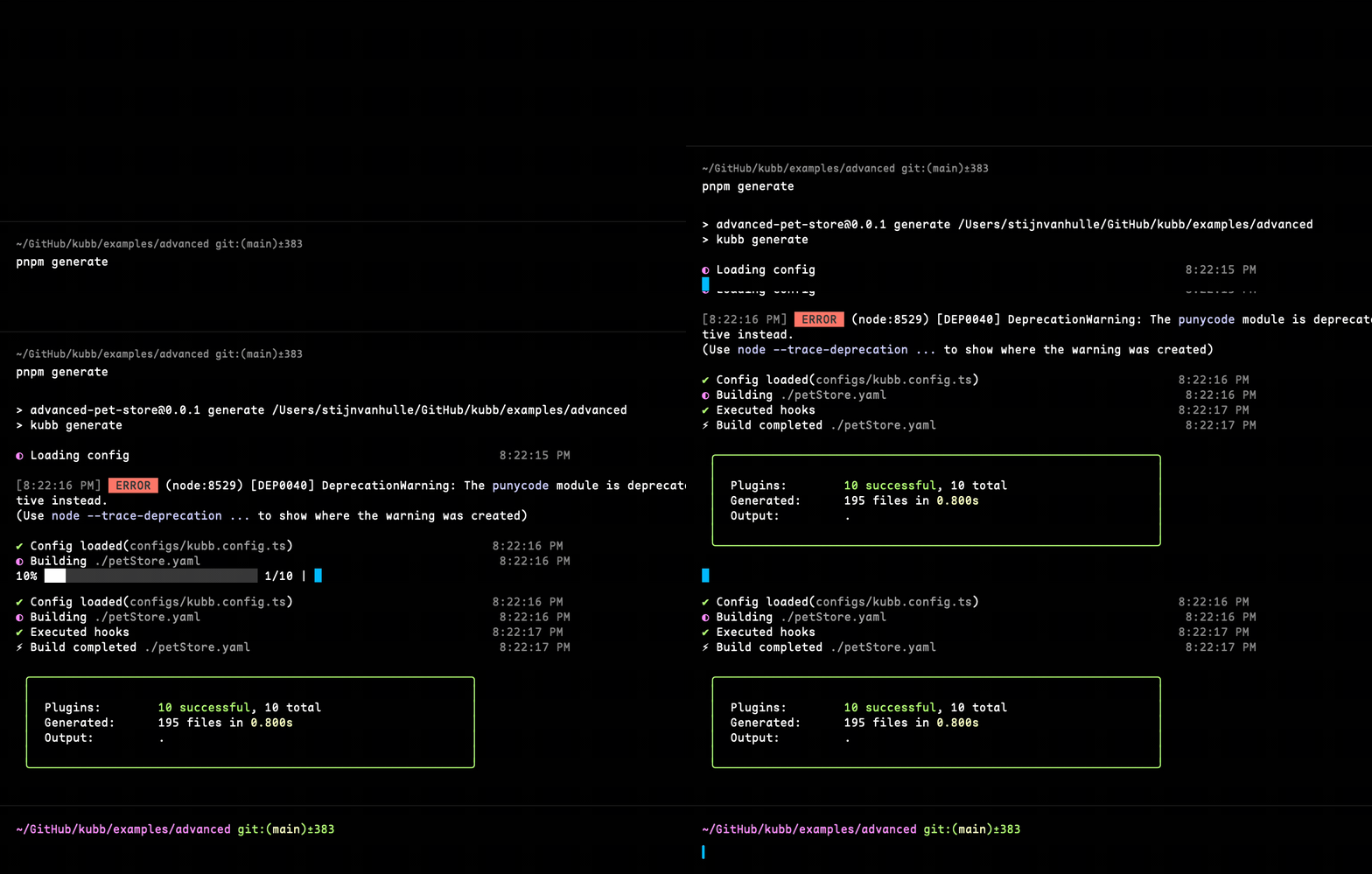
Generate your code using the npm script:
bun run generate
# or
pnpm run generate
# or
npm run generate
# or
yarn run generate
What config files does Kubb recognize?
Kubb automatically detects configuration files in this order:
kubb.config.ts(recommended)kubb.config.jskubb.config.mjskubb.config.cjs
TIP
Use --config <path> to specify a custom config file location:
kubb generate --config ./configs/kubb.config.tsNOTE
Using ESM: If using import statements, add "type": "module" to package.json, or use the .mjs extension for your config file.
Programmatic Usage (Node.js API)
When to use the programmatic API? Use @kubb/core directly when:
- Building custom tooling or build scripts
- Integrating Kubb into monorepo workflows
- Embedding code generation in automated pipelines
import { build } from '@kubb/core'
import { pluginOas } from '@kubb/plugin-oas'
import { pluginTs } from '@kubb/plugin-ts'

const { error, files, pluginManager } = await build({
  config: {
    root: '.',
    input: {
      path: './petStore.yaml',
    },
    output: {
      path: './gen',
    },
    plugins: [
      pluginOas(),
      pluginTs(),
    ]
  },
})

if (error) {
  console.error(error)
  process.exit(1)
}

console.log(files)
NOTE
The Node.js API provides the same functionality as the CLI, but without progress bars or colored output. Use the CLI for interactive development.
Configuration Examples
Example 1: Basic TypeScript + React Query
Generate TypeScript types and React Query hooks from a single OpenAPI file:
import { defineConfig } from '@kubb/core'
import { pluginOas } from '@kubb/plugin-oas'
import { pluginTs } from '@kubb/plugin-ts'
import { pluginReactQuery } from '@kubb/plugin-react-query'

export default defineConfig({
  root: '.',
  input: {
    path: './petStore.yaml',
  },
  output: {
    path: './src/gen',
    clean: true, // Remove old files before generating
  },
  plugins: [
    pluginOas(), // Required: Parse OpenAPI specification
    pluginTs(), // Generate TypeScript types
    pluginReactQuery(), // Generate React Query hooks
  ],
})
Example 2: Multiple OpenAPI Specifications
Generate code from multiple API specifications in one command:
import { defineConfig } from '@kubb/core'
import { pluginOas } from '@kubb/plugin-oas'
import { pluginTs } from '@kubb/plugin-ts'

export default defineConfig([
  {
    name: 'petStore',
    input: { path: './petStore.yaml' },
    output: { path: './src/gen/petStore' },
    plugins: [pluginOas(), pluginTs()],
  },
  {
    name: 'userApi',
    input: { path: './userApi.yaml' },
    output: { path: './src/gen/userApi' },
    plugins: [pluginOas(), pluginTs()],
  },
])
What to Do Next
Now that you have Kubb set up:
- Configuration Guide - Learn all available configuration options
- Plugin Documentation - Explore plugins for React Query, Zod, MSW, and more
- Working Examples - Browse complete example projects
- Best Practices - Tips for production use
Frequently Asked Questions
Q: What if my OpenAPI file is a URL instead of a local file? Kubb supports URLs. Set input.path to the full URL (e.g., https://api.example.com/openapi.json).
Q: Can I generate code for only specific API endpoints? Yes, use the include option in your plugin configuration to filter by tag, path, or operation ID.
Q: How do I regenerate code after my OpenAPI spec changes? Simply run kubb generate again. Use output.clean: true to remove old files first.
Q: Does Kubb work with Swagger 2.0? Yes, Kubb supports OpenAPI 2.0 (Swagger), OpenAPI 3.0, and OpenAPI 3.1 specifications.
Q: Can I customize the generated code? Yes, through custom generators, transformers, and override options. See the Generators guide for details.